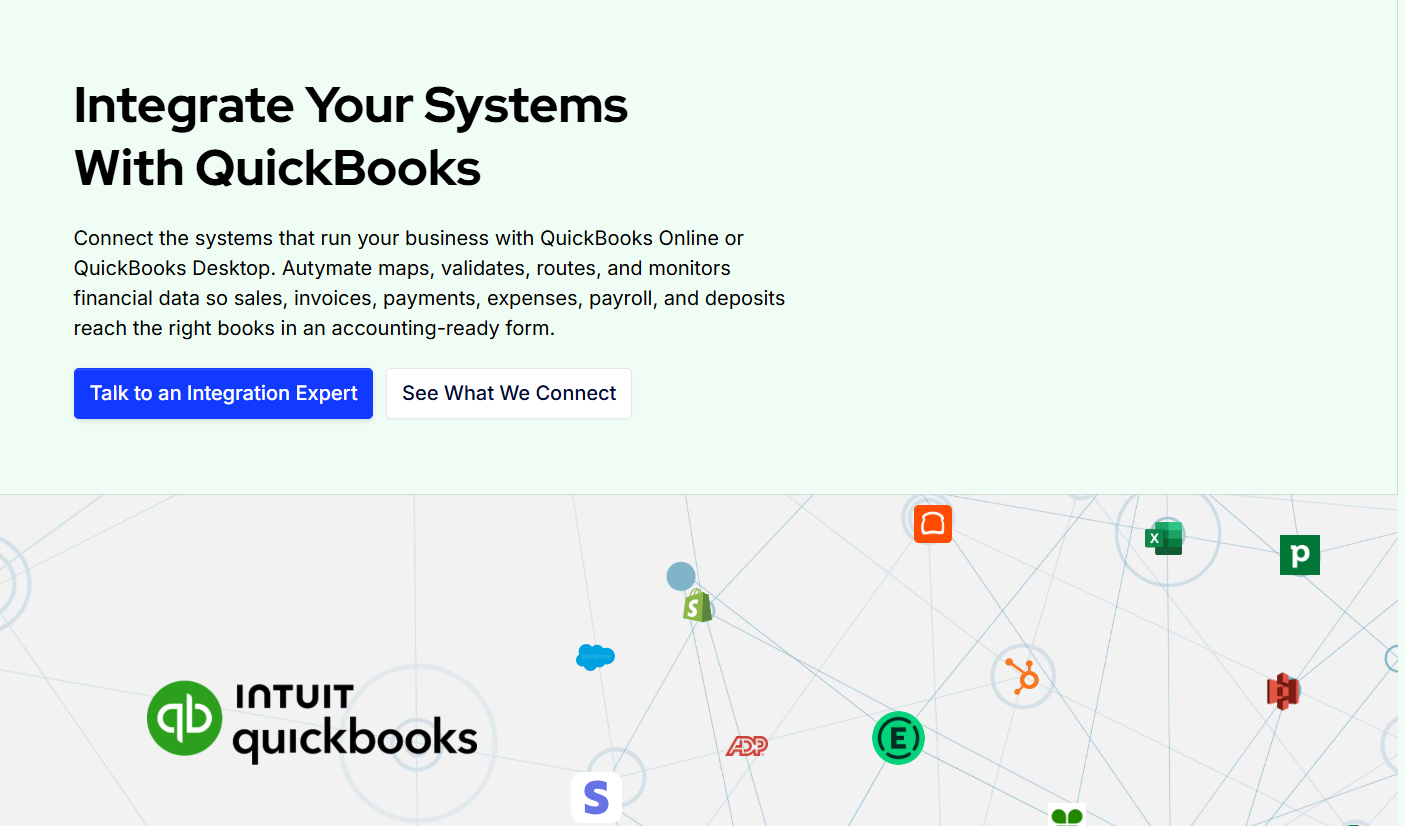
QuickBooks Online can be the financial system at the center of a business, but most of the activity that eventually reaches accounting starts somewhere else.
Customers place orders in e-commerce platforms. Sales happen through point-of-sale systems. Customer information lives in CRM software. Payroll is processed in a dedicated platform. Expenses may be approved through another application, while payment processors manage collections, refunds, fees, and settlements.
When these systems are disconnected, accounting teams are often responsible for moving the information between them.
That can mean repeated exports, spreadsheet cleanup, manual journal entries, duplicate customer records, reconciliation delays, and more time spent checking whether financial data reached QuickBooks correctly.
A well-designed QuickBooks Online integration can automate much of this movement while maintaining the accounting rules the business requires.
Autymate's QBO framework is built around connecting POS, e-commerce, CRM, payroll, payment, expense, database, and custom systems with QuickBooks Online through mapping, validation, routing, and monitoring.
What Is QuickBooks Online Integration?
QuickBooks Online integration is the controlled exchange of financial data between QBO and another business system.
The important word is controlled.
A useful integration does not simply take a value from one system and copy it into QuickBooks. It determines what that activity represents financially, which QuickBooks record should be created, how the accounts and reporting dimensions should be mapped, which company owns the transaction, and what should happen if the data is incomplete.
For example, a $10,000 ecommerce settlement should not automatically become $10,000 of revenue.
That settlement may represent product sales, sales tax, shipping revenue, refunds, marketplace charges, processing fees, and several customer payments combined into one bank deposit.
A dependable integration preserves enough of that relationship for accounting to understand and reconcile the result.
Autymate's QBO specification defines integration as a workflow that can include extraction, transformation, mapping, validation, authorization, delivery, change tracking, monitoring, and recovery.
Benefits of QuickBooks Online Integration
Reduced Manual Data Entry
One of the clearest benefits is reducing the need to enter the same information twice.
If a customer, order, payment, expense, or payroll transaction already exists in another approved business system, accounting should not necessarily have to recreate it manually.
Integration can collect the relevant source activity and turn it into the appropriate QuickBooks record.
This allows finance teams to spend less time transferring data and more time reviewing financial results.
More Consistent Accounting
Manual processes depend heavily on individual knowledge.
One employee may classify a transaction differently from another. Spreadsheet formulas can change. Account mappings can be applied inconsistently. A location may prepare its daily sales entry differently from the rest of the organization.
A QBO integration can apply the same approved rules repeatedly.
That is particularly important for multi-location businesses where similar transactions may be generated across dozens or hundreds of companies.
Faster Reconciliation
Automation is not valuable if accounting cannot explain the numbers afterward.
Good QuickBooks integrations preserve the relationship between source activity and the records created in QBO.
For payment workflows, that can mean separating gross collections, refunds, fees, chargebacks, and net payouts rather than recording only the amount deposited into the bank.
Autymate's current QBO use cases specifically include settlement-oriented payment workflows designed to keep these components visible for reconciliation.
Better Scalability
A manual workflow may be manageable at one location.
The same process across 50 locations becomes a different problem.
Integration allows common accounting rules to be standardized while company-specific information such as authorization, account mappings, classes, locations, and tax settings remains configurable.
This makes it easier to grow transaction volume or add companies without multiplying manual accounting work at the same rate.
Common QuickBooks Online Integration Use Cases
POS to QuickBooks Online
Restaurants, retailers, and service businesses generate substantial financial activity through POS systems.
Daily activity may include sales, tax, tips, discounts, refunds, payment methods, processing fees, and deposits.
A POS-to-QBO workflow can collect approved sales information and map each component into the appropriate QuickBooks accounting structure.
Instead of rebuilding the closing report manually each day, the integration can create a repeatable accounting workflow.
Businesses with this requirement can also explore Autymate's POS to Accounting Integration content for more specific POS workflows.
Ecommerce to QuickBooks Online
Ecommerce accounting becomes difficult because an order and a bank deposit are often not the same financial event.
A customer order may contain products, shipping, tax, discounts, and payments. Refunds may happen later. Marketplace and processor fees may reduce the eventual payout.
A QuickBooks Online integration can transform approved e-commerce activity into supported accounting records while retaining the information finance needs for reporting and reconciliation.
Autymate's documented e-commerce-to-QBO workflows include orders, customers, payments, refunds, tax, shipping, and marketplace fees.
CRM to QuickBooks Online
Sales activity often begins in CRM software.
Once a deal reaches an approved stage, accounting may need to create or update the customer and generate an invoice, payment, or credit workflow.
Without integration, sales and finance teams may maintain duplicate records.
A CRM-to-QBO integration can create a controlled handoff from the sales process into accounting while maintaining clear ownership of customer and financial data.
Payment Processor to QuickBooks Online
Payment integrations are particularly useful when gross customer collections differ from net deposits.
Processing fees, refunds, chargebacks, and settlement adjustments can all affect the amount that reaches the bank.
A payment integration can separate those components and make reconciliation more traceable.
Payroll and Expenses to QBO
Payroll summaries, bills, employee expenses, and reimbursements often originate in dedicated applications.
Once those transactions are approved, integration can move the required information into the correct QuickBooks company and accounts.
Autymate's current QBO architecture includes approved bills, expenses, reimbursements, and payroll summaries as common workflow categories.
Custom Data to QuickBooks Online
Not every business uses standard SaaS applications.
Financial activity may originate in an internal database, proprietary application, CSV workflow, Excel file, or industry-specific system.
When appropriate system access is available, custom integration can transform those records into accounting-ready QuickBooks data.
This is especially useful when a standard marketplace connector cannot support the required fields, mappings, business rules, or transaction volume.
Best Practices for QuickBooks Online Integration
The biggest integration mistakes usually happen when teams begin with the API instead of the accounting outcome.
Before building anything, define what the finished QuickBooks record should look like.
That means deciding whether the source activity should become an invoice, sales receipt, deposit, payment, bill, credit, journal entry, or another supported record.
Next, define the appropriate level of detail.
Some businesses genuinely need transaction-level accounting because they track customer balances or require detailed auditability. Others may operate more effectively with approved daily summaries.
More data is not automatically better.
Autymate's QBO design guidance recommends choosing the data grain before implementation so the ledger remains useful for both accounting and reconciliation.
Mapping should also be approved before launch.
Accounts, customers, items, classes, locations, companies, tax treatments, and other financial dimensions need clear relationships between the source system and QuickBooks.
Validation should then protect the books from incomplete or incorrect records.
Before data is delivered, the workflow should verify required information, totals, dates, duplicate identifiers, mappings, and the destination company.
Monitoring is equally important.
An integration can technically run without producing the financial outcome you expect. A company may stop sending data. An account may become inactive. Authorization may change. A new product or transaction category may appear without a mapping.
A reliable workflow needs visibility into those exceptions.
QuickBooks Online Integration for Multi-Company Businesses
Multi-company integration requires more than repeating a single-company connection many times.
Every record needs to be routed to the correct QBO company.
At the same time, businesses may want common transaction logic across the organization.
A good architecture separates shared rules from company-specific configuration.
For example, common sales, tax, payment, and validation rules can be standardized while QBO authorization, company IDs, accounts, classes, locations, and tax settings remain unique.
Expected-data monitoring is particularly important in this environment.
If 49 locations send their daily activity and one location sends nothing, there may be no failed transaction to alert on.
The missing activity itself is the problem.
Autymate's multi-company QBO framework includes shared templates, separate company configuration, expected-data monitoring, and repeatable onboarding for new QuickBooks companies.
When Is a Custom QuickBooks Online Integration Worth It?
Not every business needs a custom integration.
A standard connector may work perfectly well when there is one source system, one QuickBooks company, straightforward mappings, and relatively standard accounting requirements.
Custom or managed integration becomes more useful when the workflow involves multiple companies, several source systems, unusual financial rules, high transaction volumes, custom databases, complex settlements, or ongoing monitoring requirements.
The objective should not be to create the most sophisticated integration possible.
It should be to build the simplest workflow that can reliably deliver the required accounting result.
Connect QuickBooks Online With the Rest of Your Business
QuickBooks Online can remain the financial system of record while other applications continue managing sales, customers, payments, payroll, expenses, e-commerce, and operations.
Integration connects those systems without forcing accounting teams to become the manual bridge between them.
The benefits go beyond saving time.
A properly designed QuickBooks Online integration can improve consistency, simplify reconciliation, reduce duplicate work, support multi-company growth, and provide clearer visibility when something goes wrong.
Autymate helps businesses define the destination accounting result, map and validate source data, route records to the correct QBO company, and monitor processing after launch.
If your team already uses QuickBooks Online but still depends on spreadsheets, repeated imports, or manual data entry between systems, improving the integration may be more valuable than replacing the accounting software itself.