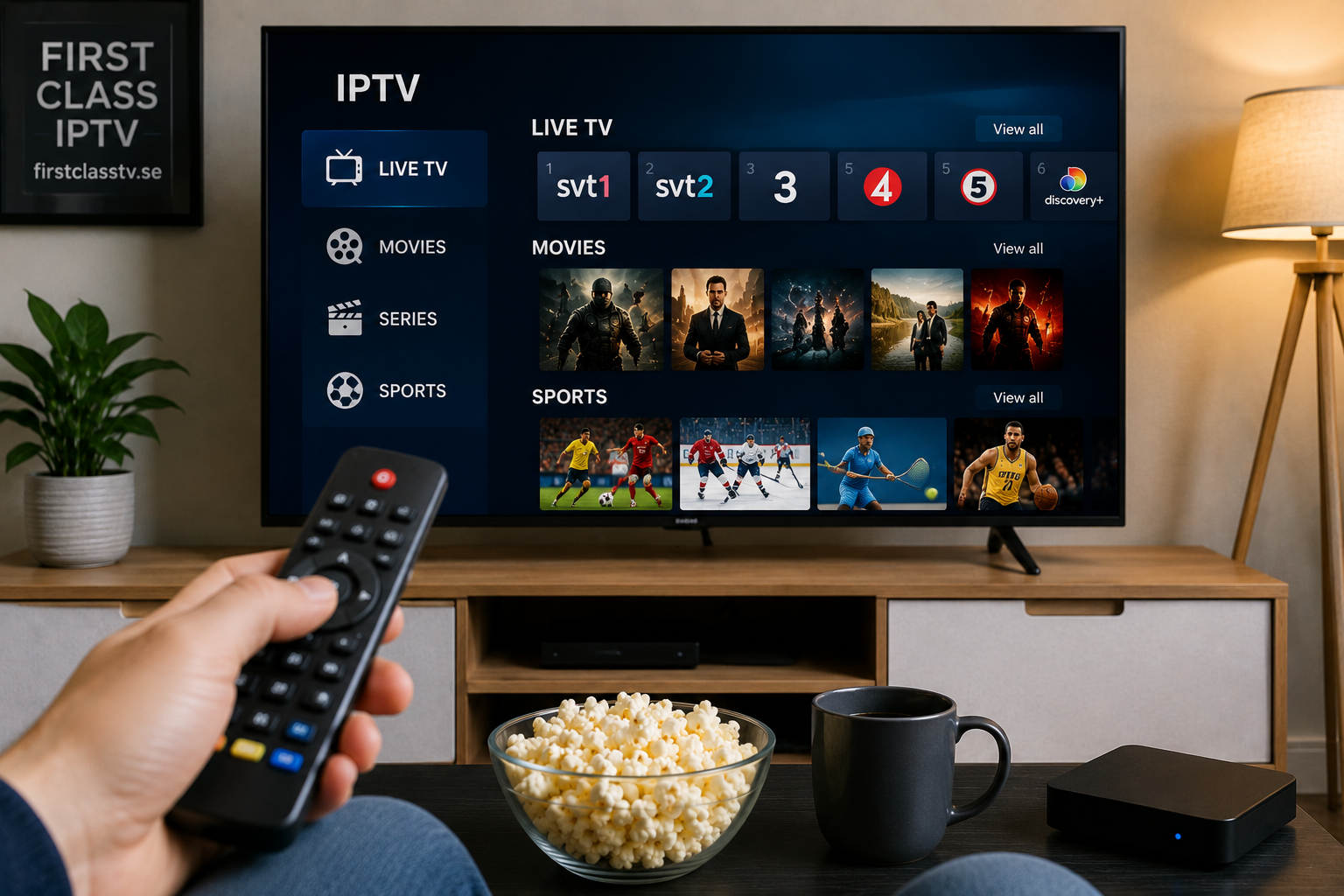
 Internet-based television has changed the way many people watch live TV, films, series, and other video content. Instead of relying only on traditional cable or satellite connections, IPTV delivers television streams through an internet connection.
However, the quality of the viewing experience depends on more than simply choosing a service. Your internet connection, streaming device, IPTV application, home network, and playback settings can all affect performance.
Understanding these elements can help you create a practical IPTV setup that works well with the devices you already use.
What Is IPTV and How Does It Work?
IPTV stands for Internet Protocol Television. It is a method of delivering television and video content through internet protocols rather than traditional terrestrial, satellite, or cable broadcasting systems.
The basic process is relatively simple. A compatible application or player receives a television stream through an internet connection and displays it on a supported device.
Depending on the service and application, users may be able to access:
- Live television
- Films and series
- Video on demand
- Electronic program guides
- Catch-up features
- Different content categories
The exact features available depend on the provider, subscription, application, and device being used.
Choosing a Device for IPTV Streaming
One advantage of IPTV technology is that compatible services can work across several types of devices. Choosing the right option often depends on where and how you normally watch television.
Smart TVs
Smart TVs are convenient because they can reduce the need for additional hardware. Many modern televisions allow users to install compatible IPTV player applications directly from their app stores.
Before choosing an application, check whether it supports your television's operating system. Samsung, LG, Android TV, and other platforms can have different app selections.
Android TV and Streaming Devices
Android TV devices are popular for IPTV because they provide access to a wide range of media applications.
A dedicated streaming device can also be useful when an older television has limited smart features. The device connects to the television and handles the streaming applications independently.
Computers
Windows PCs and Mac computers can also be used for IPTV viewing with compatible players.
Computers can be particularly useful when testing a connection or checking whether a playlist or account configuration is working correctly before setting it up on another device.
Smartphones and Tablets
Mobile devices provide a flexible option for viewers who want access to television content away from their main TV.
Screen size is smaller, but smartphones and tablets can be useful for occasional viewing or when travelling.
Select an IPTV Player That Matches Your Device
An IPTV player is the application responsible for displaying the stream and organizing the available content.
Different applications may support different login methods and interface features. Common options can include playlist-based configuration or account credentials supplied by a service.
When comparing players, consider:
- Device compatibility
- Interface simplicity
- Playlist organization
- EPG support
- Search functionality
- Favourite lists
- Application update history
The most complicated application is not necessarily the best choice. A simple player that works reliably with your device may provide a better everyday experience.
Why Your Internet Connection Matters
IPTV streaming relies heavily on the quality and stability of your internet connection.
Raw internet speed is important, but stability can be equally significant. A connection that frequently drops or experiences large fluctuations may cause interruptions even when its advertised maximum speed appears high.
Other devices using the same connection can also affect available bandwidth. Downloads, cloud backups, online gaming, and multiple simultaneous video streams may place additional demand on a home network.
Wi-Fi or Ethernet?
Both Wi-Fi and Ethernet can work for streaming, but they have different characteristics.
Ethernet
A wired Ethernet connection generally provides a direct connection between your router and streaming device. It can reduce problems caused by wireless interference or weak Wi-Fi coverage.
For stationary devices such as a Smart TV or Android TV box located near the router, Ethernet can be a practical option.
Wi-Fi
Wi-Fi is more convenient when running a cable is difficult.
Performance can depend on your distance from the router, walls, interference from nearby networks, router quality, and the Wi-Fi technology supported by your devices.
If streaming works well near the router but struggles in another room, wireless coverage may be contributing to the problem.
Compare Services Carefully
The IPTV market includes many different services, so users should examine what a provider actually offers instead of making a decision based only on promotional language.
Useful factors to review include subscription information, supported devices, setup instructions, customer support options, and available documentation.
For example, people researching IPTV options for the Swedish market can visit First Class IPTV to review the information provided about its service and available setup guidance.
Always check current information directly from a provider before purchasing because plans, applications, compatibility, and service conditions can change.
Common Causes of IPTV Buffering
Buffering does not always mean that the IPTV service itself is the problem. Several parts of the connection between the stream and your screen can affect playback.
Common causes include:
- An unstable internet connection
- Weak Wi-Fi signal
- Heavy network usage
- Router problems
- Outdated streaming applications
- Limited device resources
- Temporary server or network congestion
Troubleshooting each part separately can make it easier to identify the actual source of the issue.
Start With a Simple Connection Test
Test whether other online video services are working normally on the same device.
If several streaming applications are experiencing problems, the internet connection or local network deserves attention first.
Restart the Network Equipment
Restarting the router and streaming device can resolve temporary connection problems.
It is a simple step, but it can clear network sessions and temporary software issues that sometimes affect streaming.
Check the Application
Make sure the IPTV player is updated and configured correctly.
If another compatible application works normally with the same connection, the original player may be contributing to the problem.
Organize Your IPTV Interface
A large amount of content can become difficult to navigate if everything is left in its default arrangement.
Where supported by the player, useful organizational features may include:
- Favourite channels
- Recently watched content
- Search tools
- Channel groups
- EPG categories
- Hidden or reordered sections
Taking a few minutes to organize the interface can make everyday viewing much easier.
Keep Your Setup Simple
A reliable IPTV setup does not need to be complicated.
A suitable device, compatible application, stable internet connection, and properly configured home network are the main components. Adding unnecessary applications or repeatedly changing settings can sometimes create more problems than it solves.
Start with a straightforward configuration and make changes only when there is a clear reason.
Final Thoughts
A good IPTV experience depends on the complete setup rather than any single component. The service, player, device, internet connection, Wi-Fi or Ethernet network, and application settings all work together.
Before subscribing to a service or installing multiple applications, check device compatibility and understand how the setup process works. Choosing suitable equipment and maintaining a stable home network can make internet-based television easier to use and troubleshoot over the long term.