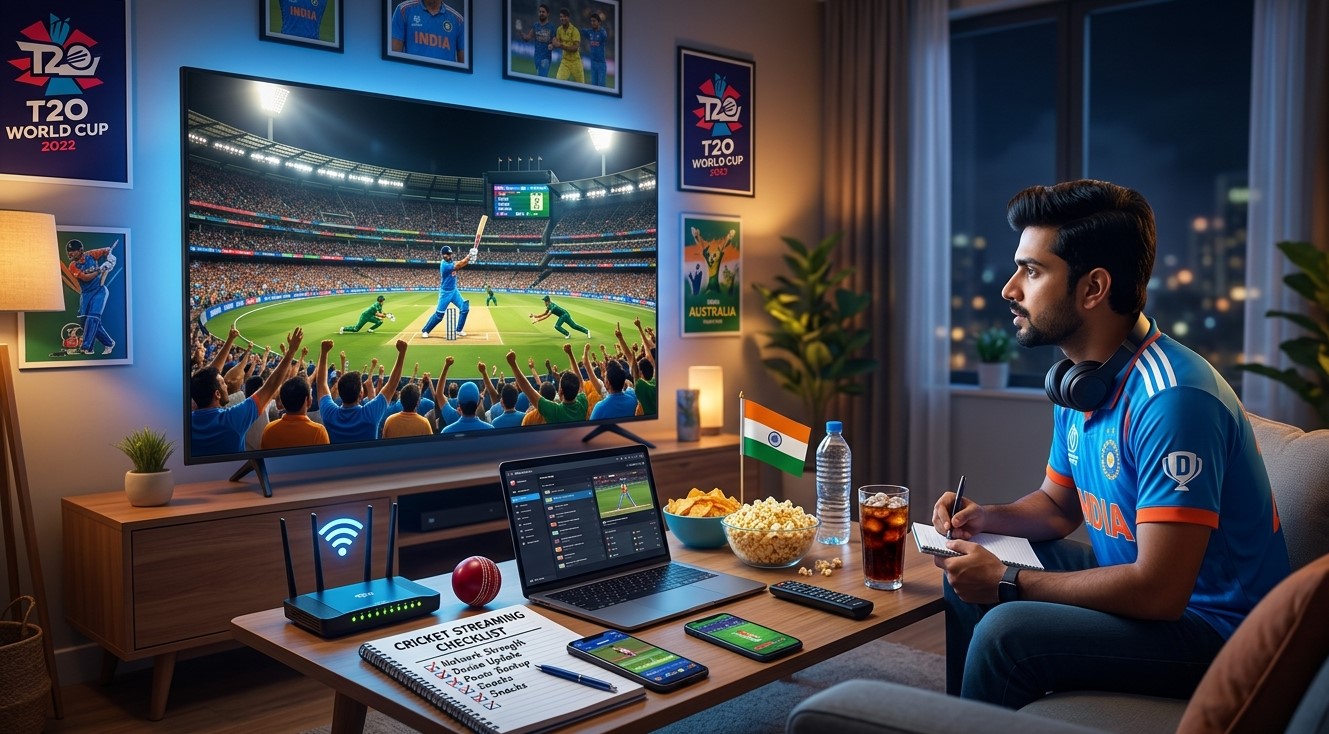
There is nothing more frustrating than experiencing buffering just as a bowler prepares to deliver the first ball of an important cricket match. Whether you are watching an international tournament, a T20 league, or a regional competition, preparing your streaming setup in advance can help you enjoy the action with fewer interruptions.
If you use IPTV India services or watch cricket through an Indian IPTV Box, a few simple checks can help you avoid common connection, audio, and device problems.
This guide provides a practical checklist to help you prepare your television, internet connection, and streaming device before the match begins.
Table of Contents
-
Check the Match Schedule and Streaming Source
-
Test Your Internet Connection
-
Prepare Your IPTV Device
-
Check Picture and Sound Settings
-
Reduce Buffering and Network Congestion
-
Prepare a Backup Viewing Option
-
Your 15-Minute Pre-Match Checklist
-
Frequently Asked Questions
-
Final Thoughts and CTA
1. Check the Match Schedule and Streaming Source
Start by confirming the match date, start time, and official broadcaster.
Big tournaments may have different broadcasting arrangements depending on your country. A service that shows a match in one region may not have the rights to show it elsewhere.
Before match day:
-
Check the tournament's official website for broadcasting information.
-
Confirm that your chosen streaming service carries the match.
-
Verify whether your subscription includes the event.
-
Check the local start time and any pre-match coverage.
-
Sign in to your account before the broadcast begins.
For example, the International Cricket Council publishes official broadcaster information for its events. Always check current tournament announcements because broadcasting arrangements can change.
2. Test Your Internet Connection
A stable internet connection is essential for streaming live cricket.
Even if your internet plan advertises high speeds, Wi-Fi interference, network congestion, or simultaneous downloads can affect playback.
Run an Internet Speed Test
Test your connection using the device you plan to watch on, if possible. Compare the result with your streaming provider's recommended speed.
As a general starting point, around 10–15 Mbps of available bandwidth may be sufficient for one HD stream, while higher-resolution streaming and multiple active devices may require more.
Remember that speed is only one factor. Connection stability also matters.
Check Your Wi-Fi Signal
If your television or Indian IPTV Box is far from the router, the signal may be weak.
Try these steps:
-
Place your router in an open, central location.
-
Move the streaming device away from sources of wireless interference.
-
Use the 5 GHz Wi-Fi band when it provides a strong signal and suitable coverage.
-
Connect through Ethernet when practical.
A wired connection can provide more consistent performance than Wi-Fi in some homes.
3. Prepare Your IPTV Device
Your streaming device should be ready before the pre-match show starts.
If you use an Indian IPTV Box, complete these checks:
Restart if Necessary
If the device has recently frozen or experienced connection problems, restart it before the match. Allow enough time for it to reconnect and load the streaming application.
You do not need to restart a device that is already working correctly.
Check Your App and Subscription
Open your authorized streaming application and confirm that you can access the correct channel or event.
Check that:
-
Your account is signed in.
-
Your subscription is active.
-
The application opens correctly.
-
The device has enough available storage for normal operation.
-
Any required app updates have been completed beforehand.
Avoid major software updates immediately before the match unless they are necessary to resolve a problem.
Test Playback Early
Play a channel or program for several minutes. Check for freezing, missing audio, or repeated loading screens.
Testing early gives you time to troubleshoot without missing the opening overs.
4. Check Picture and Sound Settings
Good picture and sound settings can make live cricket more enjoyable.
Adjust Picture Quality
Choose a picture mode that provides clear movement and natural colors. Sports Mode may be a useful starting point, but compare it with Standard Mode if the colors look exaggerated.
Check that:
-
The picture fits the screen.
-
The scoreboard is fully visible.
-
The display resolution is compatible with your TV.
-
Motion processing does not make fast action look unnatural.
Test Audio
Make sure the commentary is clear and the volume is comfortable.
If you use a soundbar, confirm that it is connected to the correct input. Check dialogue-enhancement settings if commentary sounds muffled.
Test these settings before the match rather than making several changes during an exciting moment.
5. Reduce Buffering and Network Congestion
Several devices using your internet connection simultaneously can reduce the bandwidth available for streaming.
Before the match:
-
Pause large downloads and game updates.
-
Stop unnecessary cloud backups.
-
Close unused streaming applications.
-
Ask household members to limit bandwidth-heavy activities if buffering is a recurring issue.
-
Avoid placing your router inside a closed cabinet.
If buffering continues, check whether other devices can access the internet and whether your streaming provider is experiencing technical problems.
Important: Buffering is not always caused by your home internet. The streaming service or its content delivery network may also experience problems.
6. Prepare a Backup Viewing Option
A backup plan can help you avoid missing the match if your primary stream becomes unavailable.
Consider these options:
-
Keep an official broadcaster's supported mobile app ready.
-
Confirm whether your subscription allows viewing on another device.
-
Keep your phone or tablet charged.
-
Know which authorized alternative broadcaster carries the match in your region.
-
Check whether your internet provider has reported an outage.
Not every service allows simultaneous streams or access from multiple devices, so review your subscription terms before relying on an alternative screen.
7. Your 15-Minute Pre-Match Checklist
Use this quick checklist before the toss or opening ceremony.
| Time Before Match | What to Check |
|---|---|
| 15 minutes | Confirm the match and official streaming channel |
| 12 minutes | Test your internet connection |
| 10 minutes | Open the streaming app and sign in |
| 8 minutes | Check your subscription and channel access |
| 6 minutes | Test picture quality and commentary |
| 4 minutes | Pause unnecessary downloads and backups |
| 2 minutes | Keep your remote, charger, and backup device ready |
Completing these checks early helps you settle in and enjoy the match without last-minute troubleshooting.
8. Frequently Asked Questions
What internet speed do I need to stream live cricket?
It depends on video resolution, service requirements, and the number of active devices. Around 10–15 Mbps may be a useful starting point for one HD stream, but check your provider's recommendations.
Why does cricket streaming buffer during important matches?
Possible causes include network congestion, weak Wi-Fi, insufficient bandwidth, device issues, or problems with the streaming service.
Should I restart my Indian IPTV Box before every match?
No. Restart it if you experience technical problems or if the manufacturer recommends it. A device that is already working correctly may not need a restart.
Can I watch the same match on my phone if my TV stops working?
Possibly. This depends on your streaming provider, subscription, device compatibility, and regional broadcasting rights.
How can I improve IPTV India streaming quality?
Use a stable internet connection, check your device settings, reduce unnecessary network activity, and confirm that your chosen service is authorized to show the match.
9. Final Thoughts and CTA
A little preparation can make a big difference when streaming major cricket tournaments. Confirm the official broadcast, test your internet connection, prepare your device, adjust picture and sound settings, and keep a backup viewing option available.
For a smoother IPTV India viewing experience, make these checks part of your match-day routine. Whether you watch on a smart TV or an Indian IPTV Box, preparing ahead of time can help you spend less time troubleshooting and more time enjoying every over.
Get ready for the next big match! Complete your pre-match checklist, test your authorized streaming service early, and settle in before the first ball is bowled.