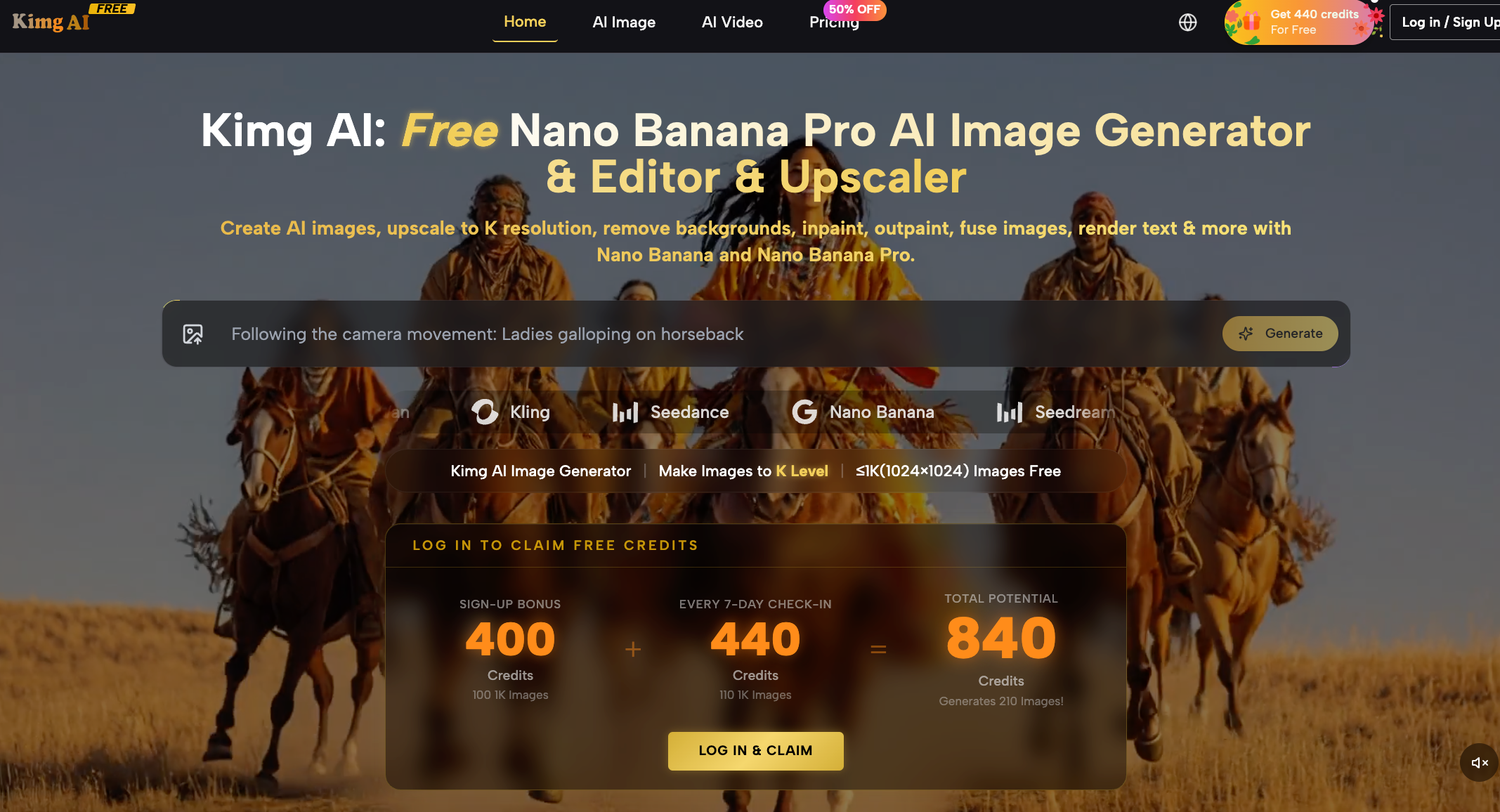
I’ve been testing a lot of AI image generators recently, and most of them fall into two categories:
- Either too limited unless you pay
- Or powerful, but complicated and fragmented
Then I came across Kimg AI.
At first glance, it looks like just another AI image generator—but after trying it, I realized it’s trying to be something bigger.
What is Kimg AI?
Kimg AI is a free AI image generation and editing platform that lets you:
- Generate images from text prompts
- Edit and enhance existing images
- Upscale images up to 4K, 8K, and even 16K
- Remove backgrounds and modify image elements
- Convert images into videos
It uses multiple models like Nano Banana, Flux, and Seedream to handle different tasks.
In simple terms, it’s not just a generator—it’s more like a mini creative suite.
What makes it different?
1. High-resolution output (up to 16K)
Most AI tools stop at HD or 2K.
Kimg AI supports ultra-high-resolution outputs, which makes it more suitable for:
- Marketing creatives
- Print assets
- Professional design
This alone already puts it ahead of many “free” tools.
2. Multiple models in one place
Instead of switching between platforms, Kimg combines different AI models:
- Nano Banana / Pro → realistic rendering
- Flux → precise editing
- Seedream → fast generation
This allows users to compare results and choose the best output without leaving the platform.
3. More than just text-to-image
A lot of tools only generate images.
Kimg AI goes further:
- Edit specific parts of an image
- Maintain character consistency
- Add or modify text inside visuals
This feels closer to Photoshop + AI rather than a simple generator.
4. Image-to-video feature
One underrated feature is turning images into short videos.
It can generate motion and even synced audio automatically, which is useful for:
- Social media content
- Short-form videos
- Creative storytelling
Is Kimg AI legit?
This is where things get interesting.
- Some sources say it’s likely legit but still very new
- Others rate it as low trust and potentially risky
The domain was created recently (2026), which explains the mixed signals.
So the realistic takeaway:
- Not proven scam
- Not fully established either
If you try it, just avoid uploading sensitive content.
Who should use it?
Kimg AI makes sense if you:
- Create content regularly
- Need fast visual assets
- Don’t want to switch between multiple tools
Use cases include:
- Social media content
- Ads and marketing visuals
- Product mockups
- Creative projects
Final thoughts
Kimg AI is clearly trying to position itself as an “all-in-one AI visual tool.”
And honestly—it’s not bad.
It’s still early, a bit rough around the edges, but:
- More powerful than most free tools
- Combines multiple workflows
- Has real potential if it keeps improving