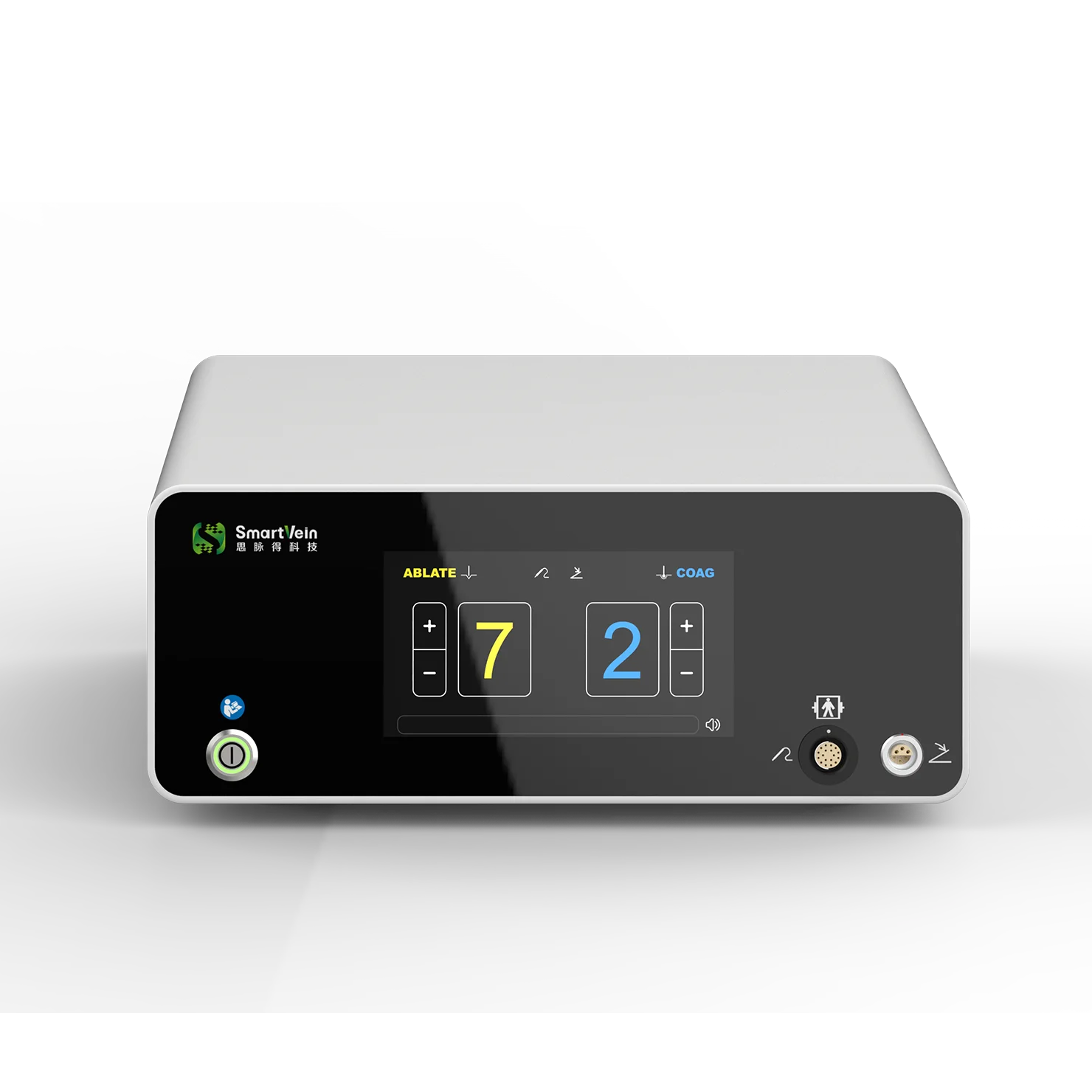
The cooling fan inside a plasma surgery system is one of the most important components for maintaining stable operation. It continuously circulates air through the host unit, helping dissipate heat generated by the CPU, power module, and other critical electronic components.
When dust accumulates on the fan blades or heat dissipation channels, airflow decreases, cooling efficiency drops, and internal temperatures rise. Over time, this can lead to overheating alarms, unexpected shutdowns, reduced system performance, and even permanent hardware damage such as failed power modules or swollen motherboard capacitors.
This guide summarizes the key factors that affect fan cleaning frequency, recommended maintenance intervals, safe cleaning procedures, and practical monitoring methods for preventing sudden failures.
What Determines the Fan Cleaning Interval?
Dust accumulation varies significantly depending on the operating environment and how intensively the equipment is used. The following factors have the greatest impact on cleaning frequency.
Equipment usage frequency
- High usage: More than 3 surgeries per day (common in ENT or urology departments of large hospitals).
- Low usage: Fewer than 2 surgeries per week (typical of smaller clinics or outpatient settings).
Surgical smoke exposure
- High smoke procedures: Tumor ablation, adipose tissue dissection, and other procedures generating significant surgical smoke.
- Low smoke procedures: Simple hemostasis or mucosal resection.
Operating room environment
- Construction or renovation nearby.
- Inactive or insufficient laminar airflow purification.
- Higher levels of airborne dust and particles.
Average operating time
- Procedures lasting more than 2 hours place a much heavier thermal load on the system than procedures under 1 hour.
Recommended Cleaning Schedule
A practical maintenance strategy combines daily inspection, scheduled deep cleaning, and emergency cleaning when abnormal conditions occur.
1. Daily inspection (before and after use)
This is a quick check intended to identify early signs of dust buildup.
Check these items:
- Dust visible through the ventilation openings.
- Host temperature (ideally ≤55°C).
- Fan noise and rotation speed.
Warning signs:
- Dust thickness on blade edges exceeds 0.5 mm.
- Temperature rises above 60°C.
- Abnormal buzzing sounds or noticeably reduced airflow.
If any of these conditions are present, schedule cleaning as soon as possible.
2. Scheduled deep cleaning
Deep cleaning should be performed with the power disconnected and by trained equipment personnel.
High-frequency use (every 2 weeks)
Conditions:
- ≥3 surgeries per day
- High-smoke procedures account for >60% of cases
Cleaning tasks:
- Remove the fan and clean blades with an anti-static brush and compressed air (≤0.2 MPa).
- Clean heat dissipation fins with a soft brush and anhydrous ethanol.
- Wash or replace the filter if equipped.
Medium-frequency use (every 4 weeks)
Conditions:
- 2–3 surgeries per week
- Moderate smoke exposure
Cleaning tasks:
- Blow dust from the fan with compressed air.
- Lightly brush the blades.
- Wipe the heat sink fins and inspect the filter.
Low-frequency use (every 8 weeks)
Conditions:
- ≤2 surgeries per week
- Mostly low-smoke procedures
Cleaning tasks:
- Compressed-air cleaning of the fan.
- Visual inspection of the heat dissipation channel and filter.
When Is Emergency Cleaning Necessary?
Immediate cleaning is recommended if any of the following occurs:
- The system runs continuously for more than 4 hours during high-smoke procedures.
- A temperature alarm exceeds 65°C.
- The fan stops rotating.
- Tissue debris or eschar is found attached to the fan blades after surgery.
In these cases, shut down the equipment immediately, disconnect power, and clean the fan and cooling channel before returning the unit to service.
Safe Cleaning Procedure
Preparation
Before opening the host unit:
- Turn off the power and unplug all cables.
- Attach a “Maintenance in Progress” warning label.
- Wear anti-static gloves and safety glasses.
- Prepare the necessary tools: anti-static brush, compressed air, anhydrous ethanol swabs, and a soft cloth.
Cleaning steps
- Remove the side cover of the host unit.
- Locate the cooling fan near the CPU or power module.
- Blow dust from the back side of the blades to avoid pushing debris deeper into the unit.
- Gently brush both sides of the blades.
- Clean the heat sink fins using a brush and compressed air.
- Clean or replace the filter if present.
- Reassemble the unit and perform a 30-minute test run.
After cleaning, verify that:
- Fan speed is ≥1500 rpm.
- Temperature remains ≤55°C during operation.
- No abnormal noise is present.
Important Precautions
- Never wash the fan motor or circuit board with water.
- Avoid chlorine-based or corrosive cleaning agents.
- Do not use hard brushes or metal tools that could deform the heat sink fins.
- If the fan bearing is worn and the fan does not rotate smoothly, replace it with the same model instead of attempting to repair it.
Monitoring and Early Warning Tips
To reduce the risk of unexpected shutdowns, consider implementing routine monitoring:
Temperature monitoring
- CPU alarm threshold: ≤60°C
- Power module alarm threshold: ≤55°C
Fan speed monitoring
If the system supports it, check fan speed through the equipment management software. A speed below 70% of the rated value may indicate dust blockage or bearing wear.
Maintenance log
Record temperature and fan speed after each cleaning. Trend analysis can reveal gradual airflow reduction before a failure occurs.
Final Thoughts
The ideal cleaning interval for a plasma surgery system cooling fan is not fixed. High-frequency use and dusty environments require more frequent maintenance, while low-frequency use in clean operating rooms allows for longer intervals.
A practical schedule is:
- High frequency: every 2 weeks
- Medium frequency: every 4 weeks
- Low frequency: every 8 weeks
Combined with daily inspection and temperature/speed monitoring, this approach can significantly reduce overheating-related failures and extend the service life of both the fan and the host system. Instead of applying a one-size-fits-all maintenance plan, hospitals should adjust the schedule according to the actual workload and environmental conditions of each department.