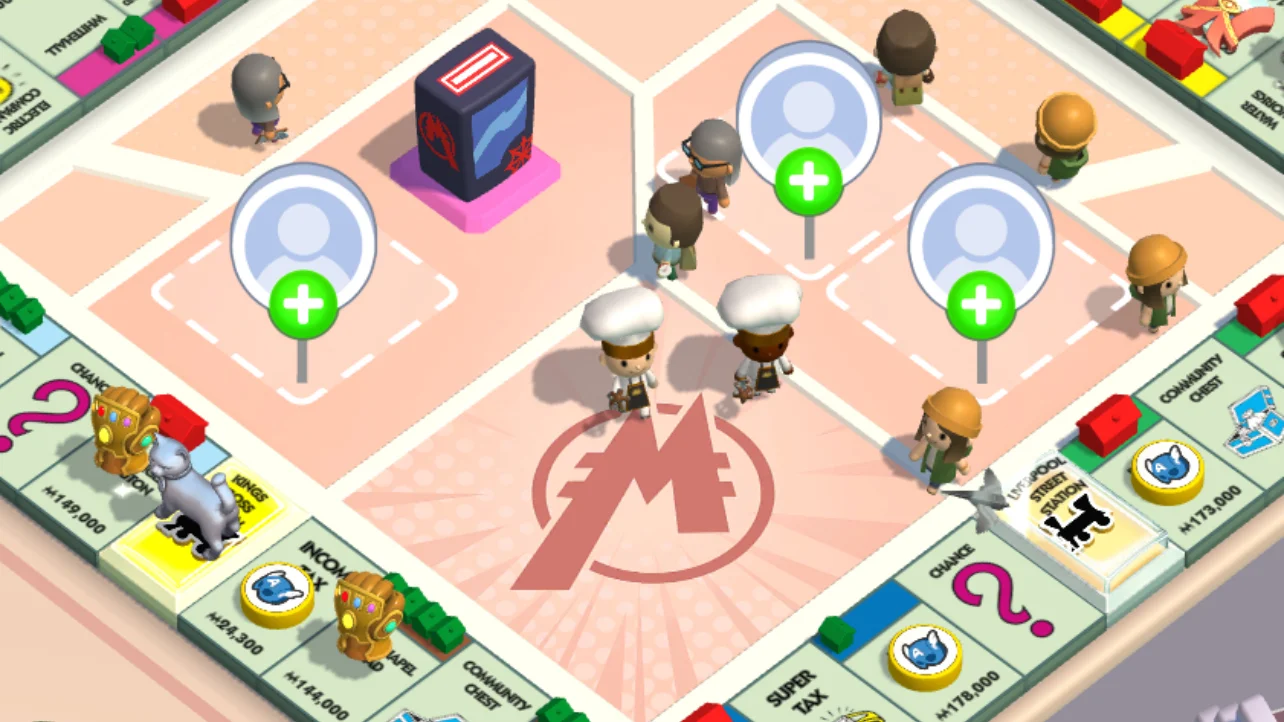
Cash Boost is easiest to waste when you start rolling before deciding what the extra cash is for. Treat it as a short window for one board goal, not a reason to burn through your dice. If you're also planning around the Monopoly Go Partners Event, keep it on a separate checklist; Cash Boost doesn't add to event-point rewards, dice, or stickers. It doubles cash only from activities the game marks as eligible, so let the active icon and countdown guide your timing.
Set a cash goal before you roll
Choose what the payout needs to cover before you tap the dice. Landmark upgrades are an obvious target, but check their cost and your dice reserve first. A high multiplier can drain dice quickly, and a bigger cash payout may not be worth it if each roll costs too much. If you're close to finishing a board, compare building now with waiting for Builder's Bash, which reduces Landmark costs. Set a limit for the session. Once you've earned enough for the next upgrade, stop; the timer ticking down isn't a reason to keep rolling.
Know what each event actually changes
Here's the useful comparison: Cash Boost raises eligible cash; High Roller changes the available dice multiplier; Rent Frenzy adds Rent Targets; Cash Grab is a Chance-tile cash minigame; Builder's Bash lowers Landmark costs. Board cash may come from passing GO, collecting Rent, or a cash-paying Railroad minigame, but check the game's indicator to see which payouts qualify. Cash Boost doesn't multiply dice, sticker, or event-point rewards. Each event has its own conditions and timer, so don't assume one extends or activates another.
Keep the session short and controlled
When the icon is active, use a simple sequence: 1) Check the countdown, and wait to claim a timed reward until you're ready to play. 2) Set a cash goal and a dice limit. 3) Pick a multiplier you can afford for the whole session, then watch for the eligibility indicator. 4) Treat Rent and Railroad payouts as possibilities, not promises; a roll can't guarantee a particular tile. 5) When the timer ends, stop and check your cash total before rolling again. If a minigame is open, finish it and verify the payout first. That quick pause can save dice after the bonus expires.
Check the payout before spending more
If a reward looks unchanged, check whether the activity qualified and whether the boost was active when the payout settled. Finish any open minigame, then verify the board total before starting another roll. If the display still looks wrong after reopening the game, contact support through Settings and Customer Service in the app. If you're planning around buy cheap Monopoly Go Partners Event, keep that goal separate from your cash budget; it won't change which board rewards qualify. Start the next session with a visible timer, a realistic dice limit, and one clear use for the cash.
Is Monopoly GO Cash Boost Worth More Dice: U4GM Weighs In