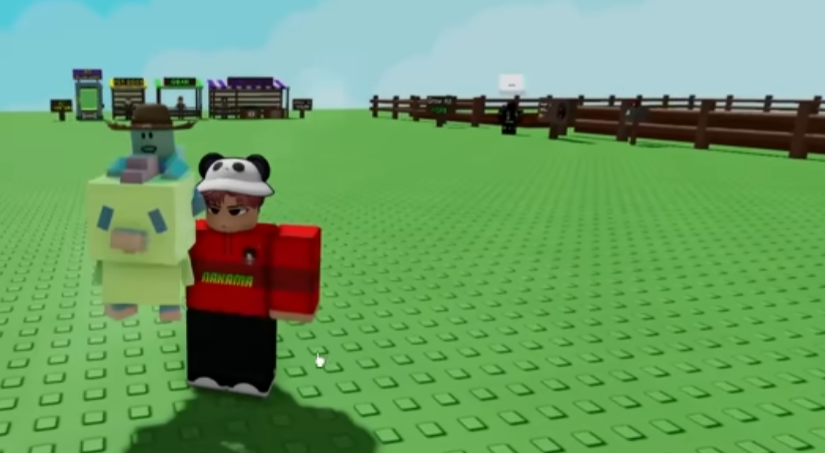
Grow A Garden looks simple at first. You plant seeds, wait, harvest, and repeat. But once you spend a few hours in the game, you realize there is a lot more going on under the surface. Progress can feel slow if you do not know what to focus on, and it is easy to forget what you were working toward the last time you logged in. As a long-time player on Roblox, I have learned that tracking your progress is just as important as planting the right crops.
This article breaks down practical ways to keep track of what you are doing in Grow A Garden, without turning the game into homework. These are habits and tools real players use to stay organized and enjoy the game more.
Understanding What Progress Really Means
Before you track progress, you need to know what progress actually is in Grow A Garden. It is not only about how much money you have. Progress includes your garden layout, unlocked crops, upgrade levels, pets, and how efficient your farming routine has become.
Many new players focus only on short-term goals, like buying the next seed. That is fine early on, but later you will want to think bigger. Ask yourself simple questions. Are you harvesting faster than before? Are you wasting less time waiting? Are you earning more per session than last week? These answers give you a clearer picture of progress than any single number.
Using In-Game Features to Stay Organized
Grow A Garden already gives you some basic tools to track how you are doing. Your inventory shows what seeds, tools, and items you own. Upgrade menus show what you have unlocked and what still needs work. Checking these screens regularly helps you notice patterns.
I like to take a quick look at my upgrades before I start planting. If I see that one upgrade is close to the next level, I focus my session around that goal. This simple habit keeps each play session feeling purposeful, even if I only play for 20 minutes.
Another helpful trick is to mentally group tasks. For example, decide that one session is only for harvesting and selling, while the next session is for rearranging the garden. This makes progress easier to notice because you are not trying to do everything at once.
Creating Your Own Simple Tracking Routine
You do not need spreadsheets or fancy apps to track progress. A small routine is often enough. Some players keep a short note on their phone or computer with basic goals, like unlock new crop tier or save for next tool upgrade.
I personally keep three short goals at a time. One short-term goal, one mid-term goal, and one long-term goal. Short-term might be plant and harvest five cycles. Mid-term could be upgrade watering tools. Long-term could be redesign the entire garden for efficiency. After each session, I quickly check if I moved closer to any of these.
This approach works well for younger players too, because it keeps goals clear and manageable. You always know what you are working toward, and that makes progress feel real.
Tracking the Role of Pets and Helpers
Pets play a big role in Grow A Garden once you unlock them. They can boost speed, income, or efficiency, which directly affects your progress. Keeping track of what each pet does and how often it helps is important.
When players decide to buy grow a garden pets, it helps to think about how that pet fits into their current goals. If you are focused on faster harvesting, track whether your sessions actually become shorter after getting the pet. If your income per run increases, that is measurable progress.
I recommend sticking with one main pet for a while instead of constantly switching. This makes it easier to see its impact over time and decide whether it was worth the investment.
Learning from the Community and External Resources
Grow A Garden has a very active player community. Forums, videos, and discussion posts often share layouts, strategies, and optimization tips. Reading these can give you new ideas on what progress should look like at your stage.
Some players also explore websites to buy grow a garden items when they want to save time or catch up to friends. If you look at these resources, treat them as references rather than shortcuts. Understanding why certain items are valuable helps you set better goals and track smarter progress.
Community discussions sometimes mention platforms like U4GM when talking about the in-game economy and item availability. Even if you never use outside services, seeing how experienced players value items can help you understand your own progress better.
Avoiding Common Progress Tracking Mistakes
One big mistake is comparing yourself too much to others. Grow A Garden is not a race. Some players have more time, some have been playing longer, and some enjoy optimizing every detail. Focus on your own improvement instead.
Another mistake is changing goals too often. If you switch plans every session, it becomes hard to tell whether you are progressing at all. Give each goal enough time to show results.
Also, do not ignore small wins. Unlocking a minor upgrade or slightly improving your layout still counts. These small steps add up over time and keep motivation high.
Staying Motivated Without Burning Out
Tracking progress should make the game more fun, not more stressful. If tracking starts to feel like work, simplify it. Go back to one or two goals instead of many.
I sometimes take a session just to enjoy the garden without worrying about efficiency. Surprisingly, this often helps me notice improvements I had not appreciated before. Seeing how far your garden has come is one of the best motivators in the game.
Detailed Breakdown: How To Make Pie In Grow A Garden