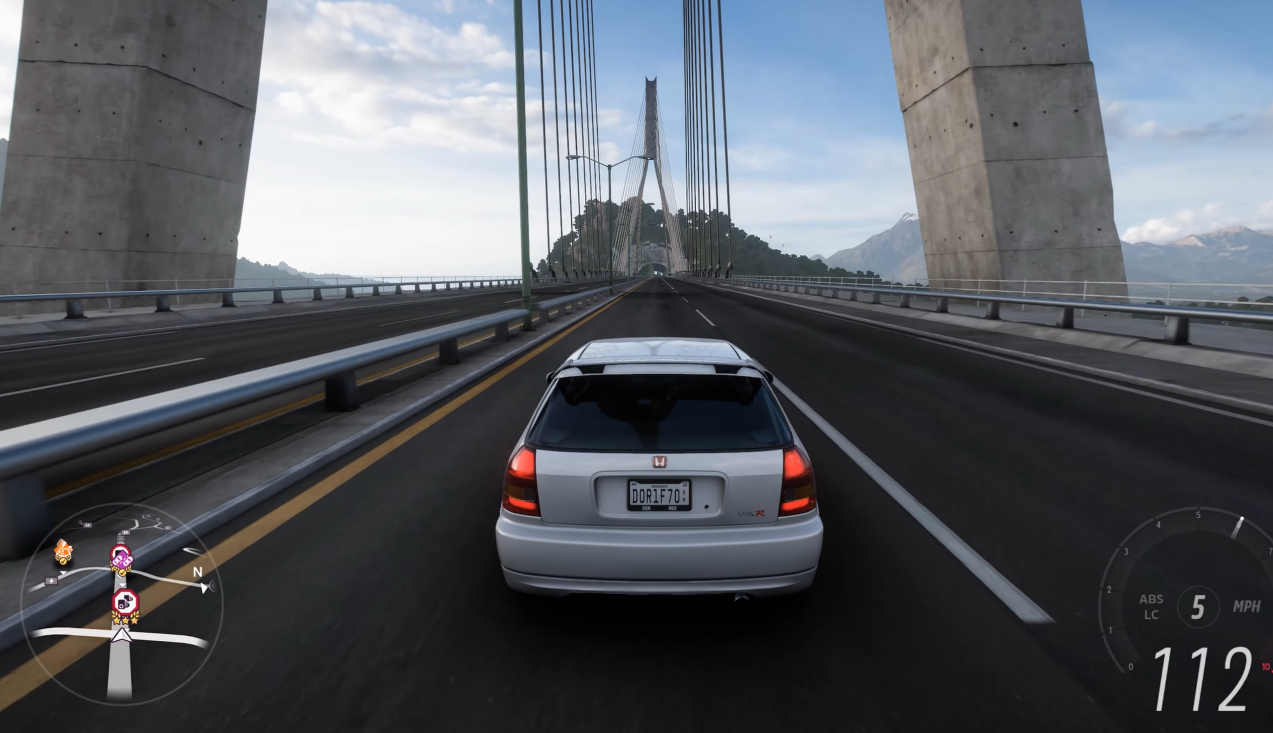
If you’re a Forza Horizon 6 player who enjoys creating custom routes, you know that getting everything right can be tricky. Whether you’re testing a new circuit for a race or just setting up a challenging route for free roam, it’s crucial to understand how to properly test your routes before sharing them or racing on them. This guide will cover the essential aspects of route testing and provide practical tips to make sure everything works as intended.
Why is Custom Route Testing Important?
Testing your custom routes ensures that they’re fun, functional, and free of bugs. Without proper testing, you might end up with tracks that are too hard, poorly balanced, or contain issues like awkward turns, invisible barriers, or poor terrain. Also, you don’t want to spend hours building a route only to find out that it doesn’t work as expected when you drive it.
Before we dive into the process of testing, it’s important to understand the basics of how custom routes work in Forza Horizon 6. You’re essentially creating a path that the game will use for races, free roam, or events. While Forza gives you plenty of options for customizations, it also means that there are lots of variables to test for.
How Do I Create a Custom Route?
Before testing, you need to know how to create a custom route in the first place. In Forza Horizon 6, you’ll use the route editor to select start and end points for your route. From there, you can add checkpoints, change the terrain, adjust the roads, and set the route difficulty.
Once you’ve set up the basics of your custom route, you’re ready to move on to the testing phase.
What Should I Test First?
When you first test your route, start with the most basic aspects: the path itself and the general driving experience.
-
Route Length and Flow Make sure your route is the right length for the type of event you want it for. Too short, and it might feel rushed. Too long, and it could become tiresome. Test the overall flow to see if the path makes sense and is enjoyable to drive. Does it have smooth transitions? Is there a good mix of straights, corners, and elevation changes? This is the first thing you should check, as it affects the overall experience.
-
Road Surfaces and Terrain Some players get carried away with creating interesting routes but forget to account for how the road or terrain will affect driving. For example, a route with a lot of gravel roads or off-road sections might not work well for street cars, so be mindful of vehicle types when testing. Forza Horizon 6 lets you control the terrain, but make sure you test your route in various vehicles to see how it holds up. Is the dirt track too slippery? Are the cobblestones too slow?
-
Checkpoints and Turns Pay attention to the placement of checkpoints and the sharpness of turns. It’s easy to make a turn too tight, which could cause players to crash. Ensure your checkpoints are positioned in a way that they’re logical and not too hard to hit. Try the route a few times to see if there are any sections where you always miss a checkpoint or crash.
-
Traffic and AI For routes that you plan to use for races or public events, make sure to test how the AI and traffic behave. Does the route cause issues with other drivers, especially if they’re racing with you? You want to avoid creating a path where the AI gets stuck or behaves unpredictably.
How Do I Test for Bugs and Glitches?
Forza Horizon 6 is a massive game with a lot of moving parts, so glitches are a possibility. Here are a few things to look for when testing your custom route:
-
Invisible Barriers Sometimes, parts of your route might have invisible barriers that stop you from going off-track or hitting certain objects. These barriers can be frustrating, especially if they disrupt the flow of the race. Keep an eye on areas where the track is close to buildings, trees, or other obstacles.
-
Wrong Route Markers If you’re setting up a race or challenge, make sure your route markers align with the actual path. There’s nothing worse than having a route marker point in the wrong direction or be placed in the middle of a tight corner. This can confuse both players and AI, leading to collisions or missed turns.
-
Texture Problems Occasionally, custom routes can suffer from texture bugs, where parts of the environment are missing or distorted. Test your route in various weather conditions and times of day to ensure the textures render correctly. This is especially important if your route features scenic areas or has complex geometry.
How Can I Test for Different Weather and Time Conditions?
Forza Horizon 6 features dynamic weather and day-night cycles, which can affect the way your route feels and plays. To make sure your route holds up in all conditions, test it at different times of day and in various weather scenarios. If your route is set in an area prone to rain or fog, see how the conditions impact visibility and car handling. Driving at night or during a storm can be a completely different experience compared to a sunny day, so it’s essential to make sure your route works in all scenarios.
What Vehicles Should I Test With?
Testing your route with different vehicles is another key part of ensuring it’s balanced. For example, a route that works well for a lightweight sports car might not be fun on a heavy off-roader or a muscle car. Try testing with a variety of cars to get a sense of how your route performs across different vehicle classes. Does the route favor one type of car over others? If so, consider tweaking the layout to ensure that all types of vehicles can enjoy the ride.
How Do I Test Custom Routes with Friends?
If you want to share your custom route with others, it’s a good idea to test it with friends. You can invite friends to race or explore the route with you to see if they run into any issues. This helps you identify problems that you might have missed during solo testing. Plus, you can get feedback on the route’s difficulty, excitement, and overall fun factor.
Make sure to encourage your friends to test the route on different vehicles, especially if you want to set up a competitive racing route. The more varied the testing, the more likely you are to spot problems and improve your route.
How Do I Share My Custom Route?
Once you’ve tested your route and are happy with it, you can share it with the Forza community. Before you do, make sure it works properly. No one wants to download a route that’s full of problems. When you’re ready to share it, you can use the in-game tools to upload your route to the shared list.
If you’re thinking about getting into Forza Horizon 6 but don’t have the game yet, you might want to look into ways to buy FH6 Account Microsoft Store. This can be a good option if you’re looking for an account that’s already set up with some customization options.
Testing your custom routes in Forza Horizon 6 is crucial to creating a smooth and enjoyable experience for both yourself and others. Make sure to focus on the basics, check for bugs, and test with different conditions and vehicles. Testing with friends can also provide valuable feedback. With these tips, you’ll be able to craft routes that are balanced, exciting, and ready to be shared with the Forza community.